
AI Resume ID Photo








AI Assistance
AI Resume ID Photo
Free
Create a resume-ready ID photo from one everyday photo for free
Nationwide store printing
Free Download
PC & App Compatible
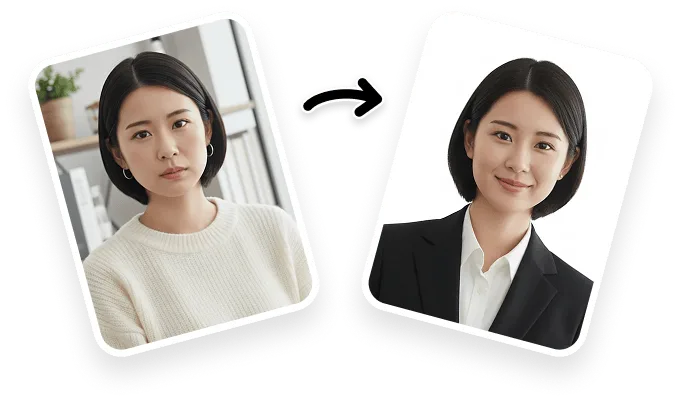
Drop a clear, front-facing photo here
Supported: png, jpg
6 Styles in One Click
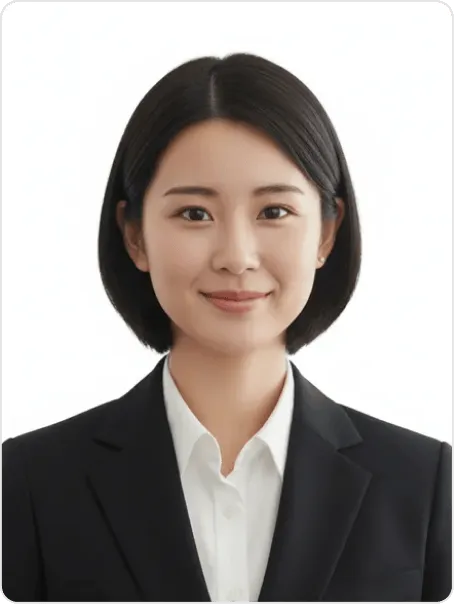
 For Job Hunting
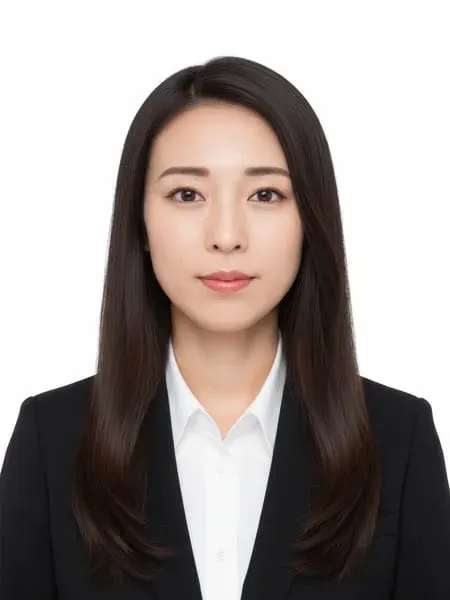
A standard ID photo for resumes and CVs. Enhances expression naturally while keeping authentic look.
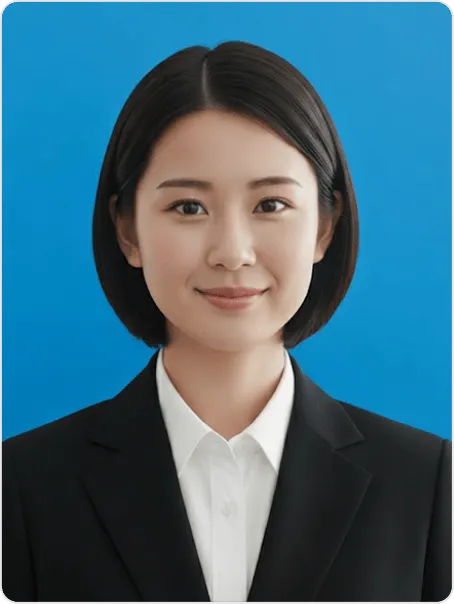 Job Hunt Natural
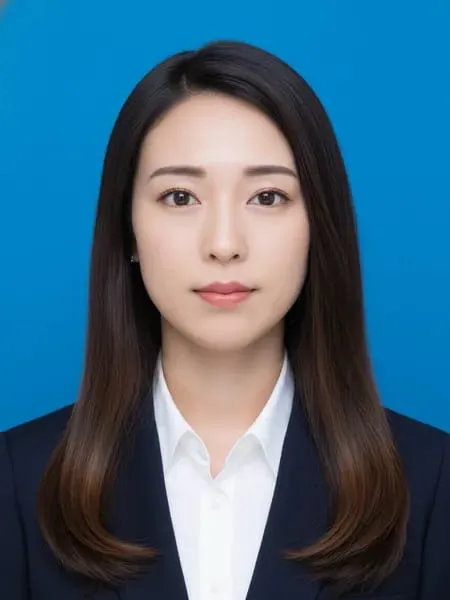
A blue background creates a clean and friendly feel, making it a safe and natural ID photo.
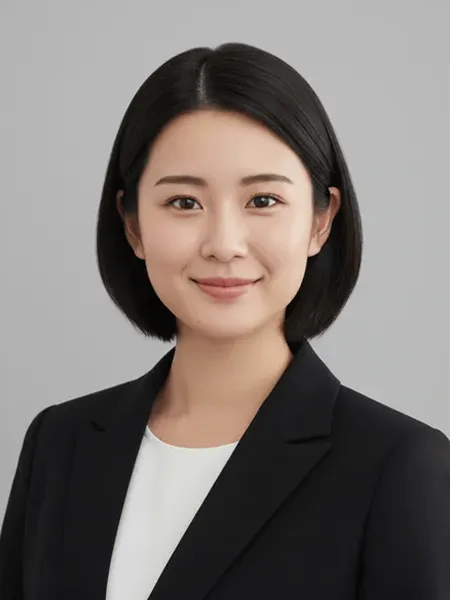 Career
A calm gray background conveys trust and professionalism, ideal for career moves and hiring.
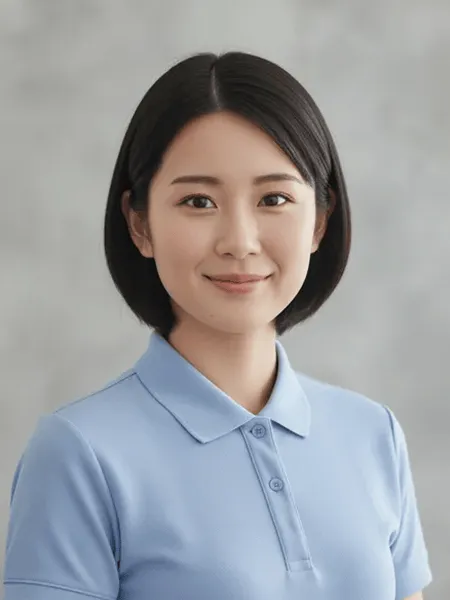 Profile
Soft expression and a bright impression, suitable for profile pages and self‑introductions.
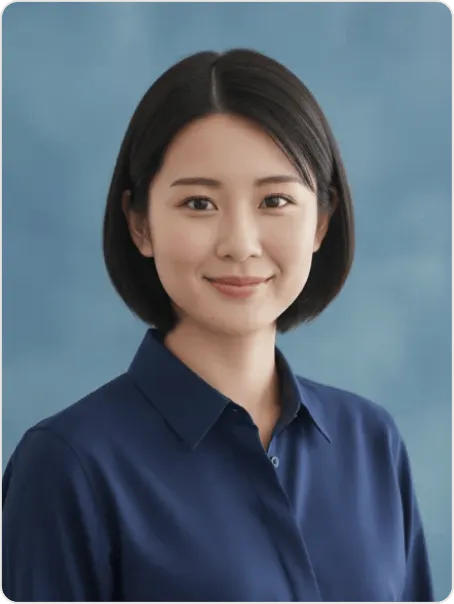 Business Profile
A composed blue background builds trust, ideal for business profiles and work icons.
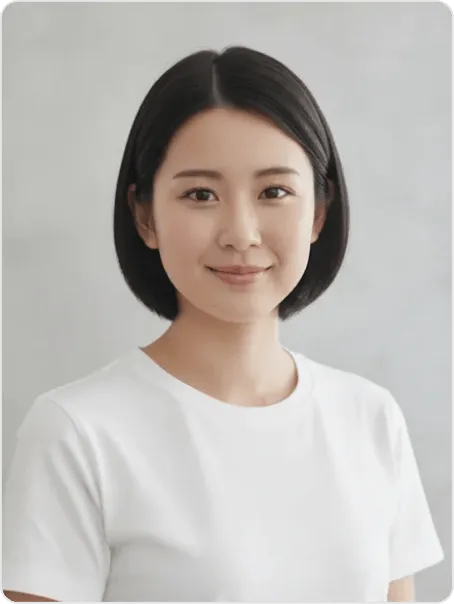 Natural
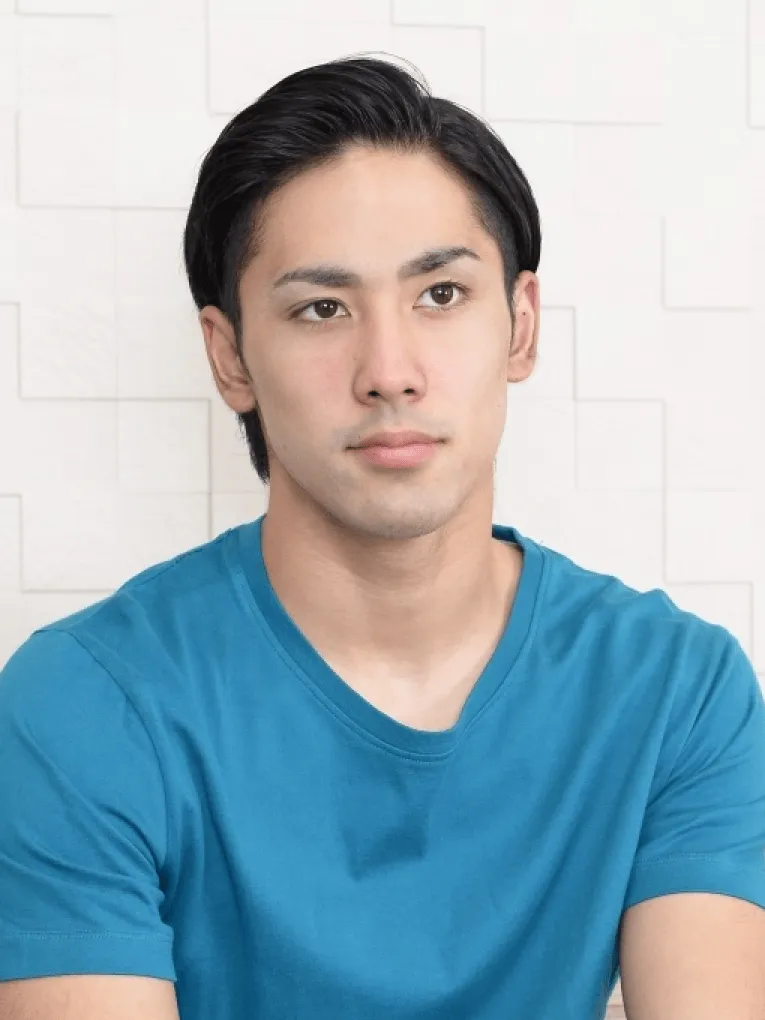
A simple background with a relaxed expression, suitable as an everyday‑style profile photo.
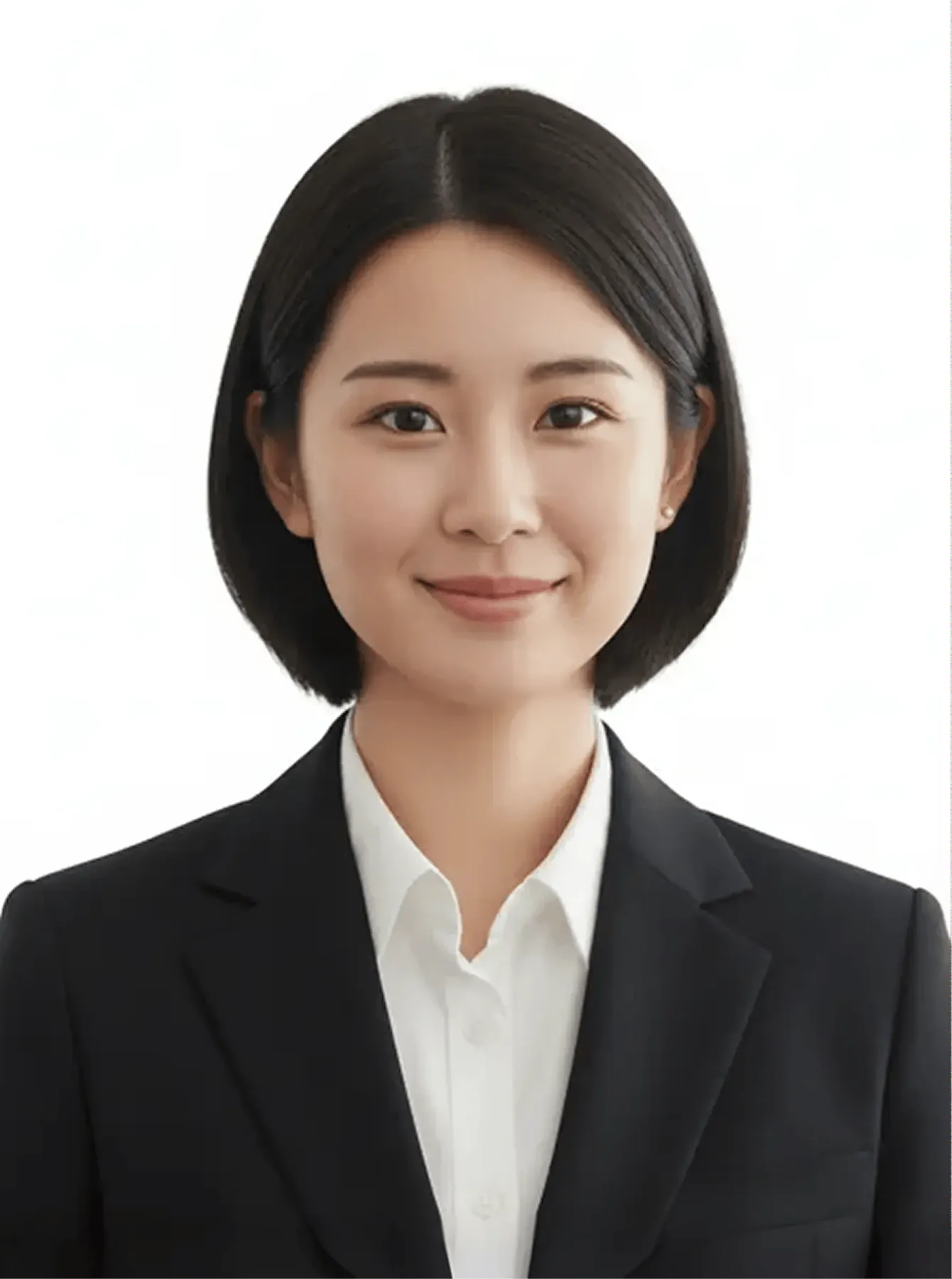
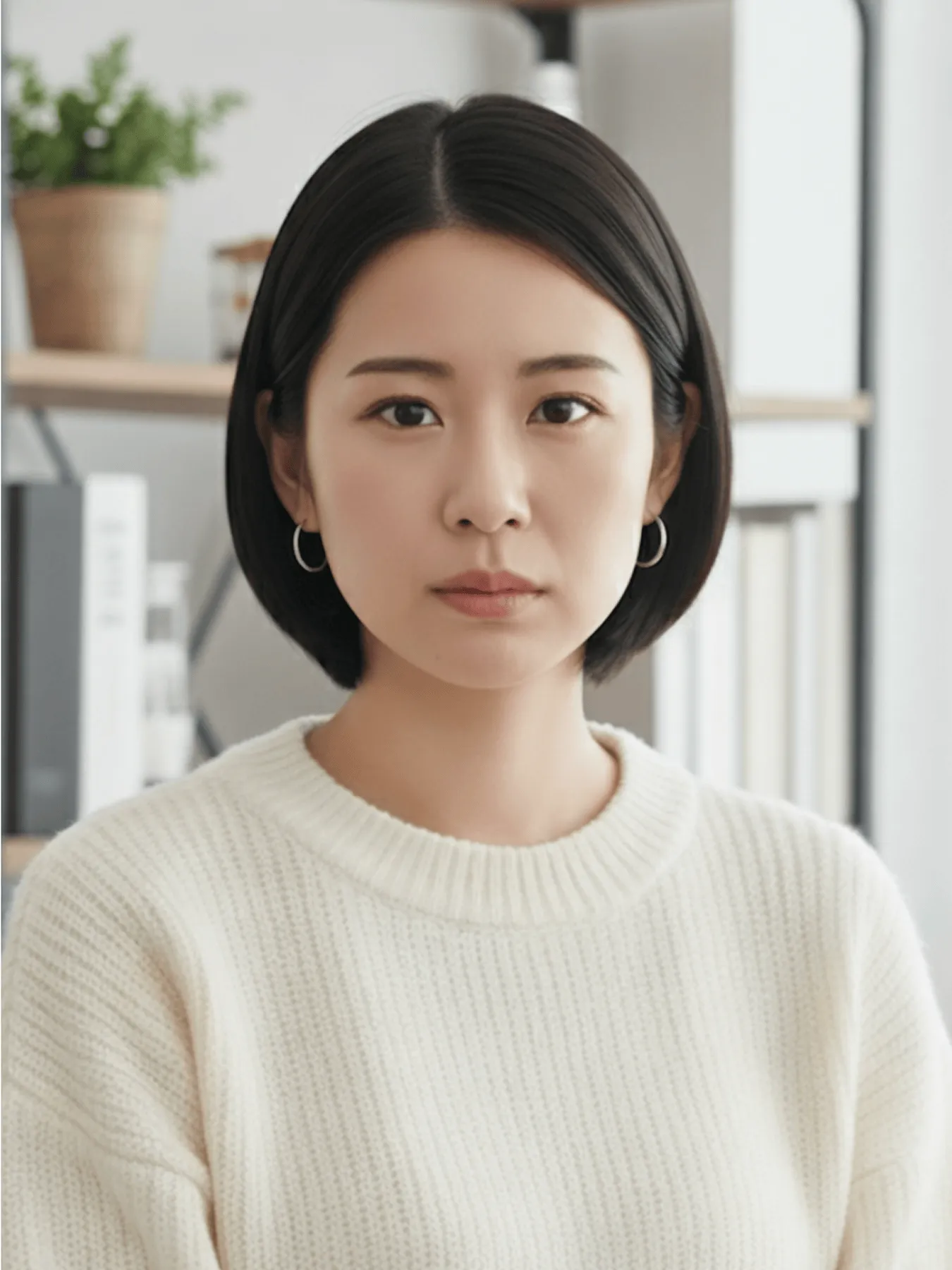
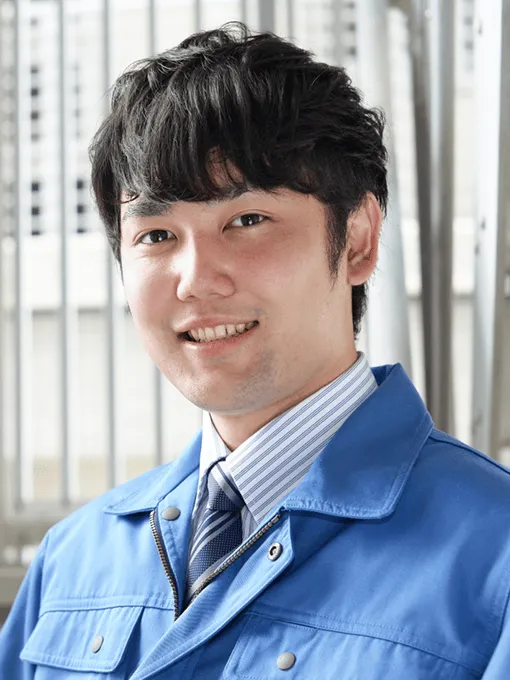
Original
AI enhancement
AI Photo Enhance
Upload one front-facing everyday photo and AI will adjust the background and framing into a 3 × 4 cm white-background resume ID photoWith just one front‑facing photo, AI creates a resume ID photo automaticallyBrightness, background, and framing are refined while keeping your natural impression intact.
Image quality
Improves clarity and visual sharpness

Background
Automatically sets an appropriate background

Expression
Naturally refines expression and adds a clean impression

Outfit
Adapts clothing to suit ID photo standards
Store Printing
Pay online and print instantly
Once your photo is ready, simply complete payment online.No extra steps needed at the store — just print
Just scan the QR code
After payment, hold the QR code over the copier to print. No USB or cash required.
Flexible print options
Adjust photo and quantity as needed. Resume & Career photos can be printed together in one set.
Available at 99% of stores across Japan
53,000 stores nationwide
AI-assisted creation
PC & App compatible
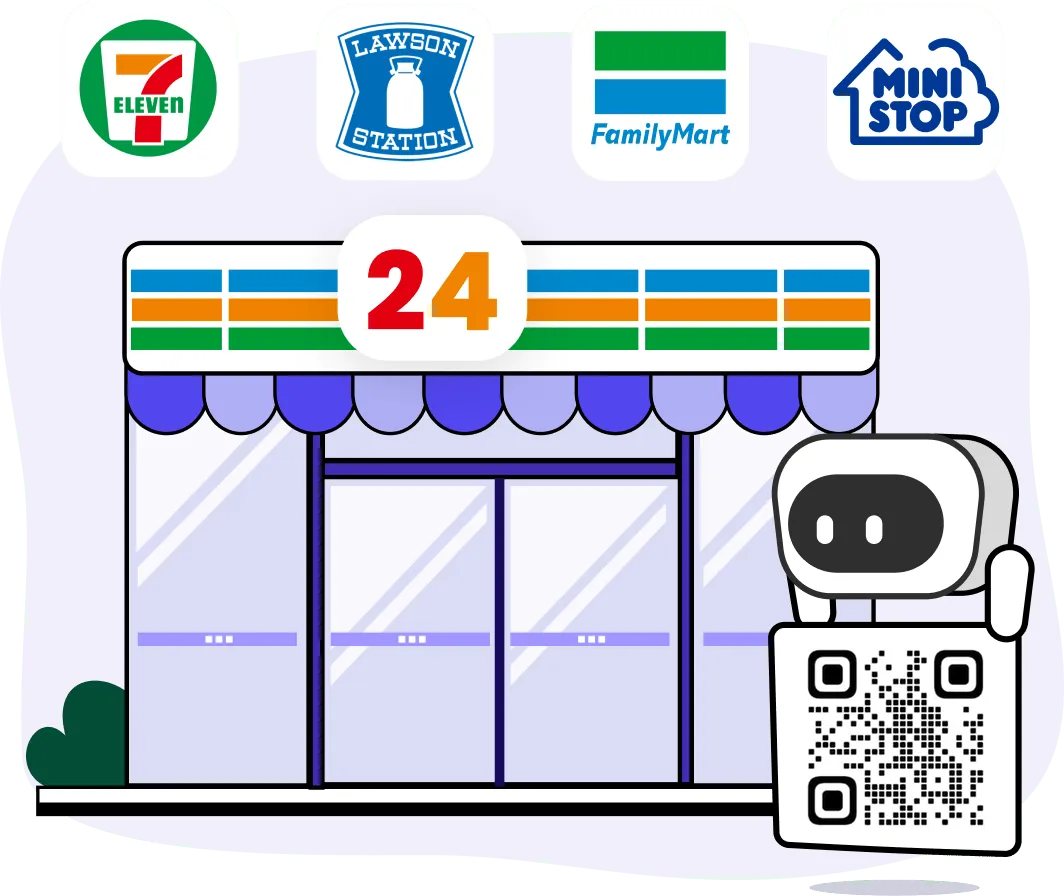
※Based on internal research. Coverage refers to stores equipped with printers.
PC & App Compatible
Whether on desktop or mobile app, the full process—uploading, AI enhancement, downloading, and convenience store printing—is smooth and consistent.
No special settings or steps to memorize. Even first-time users can create photos with ease. Your data is synced to your account, so you can switch devices and pick up right where you left off.
FAQ

Can I turn a smartphone photo directly into a resume ID photo?
Yes. You do not need an ID photo booth or professional camera. Upload a front-facing smartphone photo and AI will adjust the brightness, background, and framing for a resume-ready ID photo. For best results, shoot in even lighting and keep your face free from hair, masks, or heavy shadows.
Will my face look significantly different?
No. The AI enhancement is designed to preserve your natural features and expression, while improving clarity, neatness, and suitability for formal use. It avoids excessive retouching or unnatural edits.
Where can I print the generated photo?
You can print at multi-function copy machines in major convenience stores across Japan, including 7-Eleven, FamilyMart, Lawson, and MINI STOP. Once the photo is ready, printing is available anytime at your nearest store.
Does the print QR code have an expiration date?
Yes. The QR code for printing is valid for 7 days. You can print anytime within this period. After it expires, you will need to regenerate the code and make a new payment.
What’s the difference between free and paid services?
During the limited-time campaign, you can generate and download resume-ready photos for free. However, printing at convenience stores requires online payment before use.
Can I use both PC and smartphone?
Yes. Both PC and smartphone apps are supported. Your data is managed under the same account, so you can create photos on a PC and view or print them from your phone
What size and recency are recommended for a resume ID photo?
For a standard Japanese paper resume, a 4 cm high × 3 cm wide ID photo taken within the last three months is commonly recommended. Requirements may vary by employer, school, or application, so always check the specified format before submitting. This service can format your photo to the common 3 × 4 cm ratio.
What should I wear and how should I style my hair for a resume photo?
Choose clean clothing appropriate for the role, straighten the collar, and avoid overly bold patterns or accessories. Keep your hair from covering your eyes or facial outline. Rather than changing your appearance, aim for a neat look that matches how you will appear at the interview.
How should I take a smartphone photo for a resume?
Keep the smartphone camera at eye level, face a soft light source such as a window, and shoot straight on against a simple background. Sit or stand upright with level shoulders, framing from above the head to the upper chest. Avoid high or low angles, backlighting, dark rooms, and very close selfies that distort the face.
Is a photo booth or an AI-generated photo better for a resume?
Either can be suitable if the size, framing, clarity, and employer requirements are met. A photo booth is convenient when you want to shoot and print on the spot, while AI creation is useful when you want to use a smartphone photo at home, compare several styles, and save the image data. In either case, choose a natural, neat photo that clearly represents you.